How to Localize Banner Ads Without Redesigning Them
Learn how to localize banner ads into multiple languages without redesigning them using AI-powered workflows that preserve layout, formatting, and brand consistency.

Contributors

Subscribe to our newsletter
Introduction
I’ve lost count of how many times a campaign was “ready to launch” — except it wasn’t.
The visuals were approved. The messaging was finalized. Targeting was ready. And then someone said:
“We need this banner in five more languages.”
Suddenly the finish line turned into a marathon.
Designers reopened files. Marketers waited. Deadlines quietly moved further away.
If you’ve ever worked on global campaigns, you know exactly how this feels.
Banner ads have existed since the early days of the internet. In the 1990s they were simple graphics with basic calls to action. But as global marketing expanded, localization became necessary.
The problem is that banner ads are usually exported as JPG or PNG files, where text becomes flattened into the design.
Traditionally, this meant recreating every banner from scratch for each language.
Today, there’s a smarter approach.
Learning how to localize banner ads without redesigning them means using AI-powered tools that preserve layout, formatting, and brand consistency while adapting text automatically.
How to Localize Banner Ads Without Redesigning Them
When someone asks me how to localize banner ads quickly, my answer is simple:
Automate the translation layer, not the design layer.
Traditional localization workflows look like this:
- Open the original design file
- Remove existing text
- Insert translated copy
- Adjust layout
- Export again
Now imagine doing that for 50 banners across six languages.
That’s a massive workload.
With tools like Translate.photo, I can localize directly on the exported creative instead of redesigning everything.
Why Redesigning for Every Language Is a Problem
Redesigning banners may seem manageable initially, but it becomes inefficient when campaigns scale.
Time Consumption
Each banner might require 10–20 minutes of manual work.
| Number of Banners | Avg Time per Banner | Total Time |
|---|---|---|
| 20 | 15 minutes | 5 hours |
| 50 | 15 minutes | 12.5 hours |
| 100 | 15 minutes | 25 hours |
That’s more than three full working days spent replacing text.
Creative Bottlenecks
Instead of developing new campaign ideas, designers spend hours performing repetitive edits.
What Banner Localization Really Means
Banner localization involves more than just translation.
It includes:
- Language adaptation
- Cultural nuance
- Font compatibility
- Layout preservation
- CTA alignment
If these elements are ignored, the banner may be translated technically but still feel disconnected from the local audience.
The Core Challenge: Flattened Text
Most banner ads are exported as image formats such as:
- JPG
- PNG
- GIF
Once exported, the text becomes pixels instead of editable content.
That creates the biggest localization challenge.
Without editable layers, designers traditionally had to recreate the banner entirely.
The AI-Powered Approach
AI-powered tools provide a smarter workflow.
Instead of reopening the original design file, I simply:
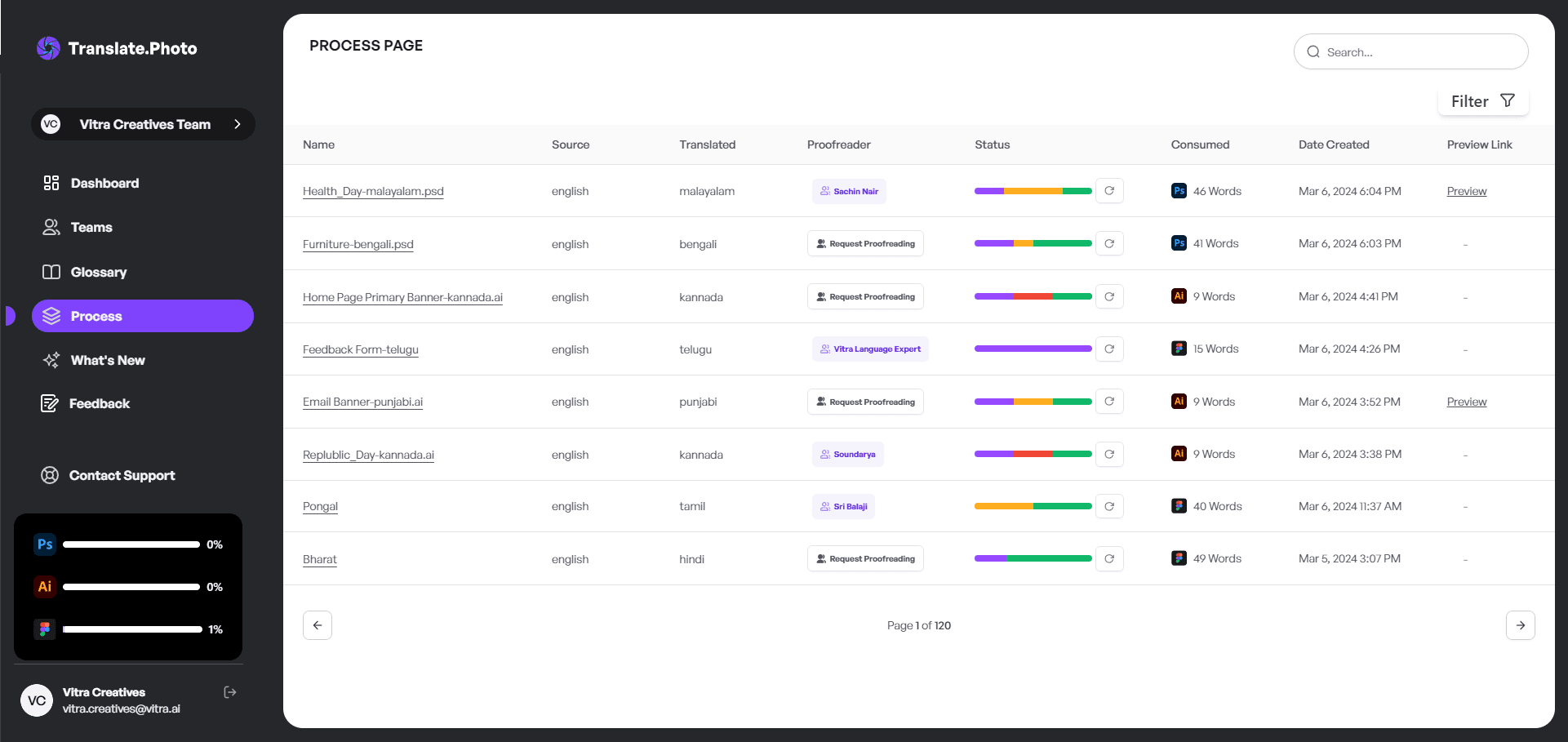
- Upload the banner image
- Use OCR to detect text
- Select the target language
- Automatically translate the content
- Review and export
No redesign required.
How to Localize Banner Ads Without Redesigning Them (Step-by-Step)
Step 1: Upload Your Banner
Upload the banner in JPG or PNG format.
Step 2: Automatic Text Detection
OCR scans the image and identifies text regions.
Step 3: Choose the Target Language
Select from dozens of supported languages.
Step 4: Smart Text Replacement
The system replaces the original text while preserving visual balance.
Step 5: Final Review
Review spacing, tone, and cultural context before exporting.
Text Expansion: The Hidden Challenge
Text expansion is one of the biggest issues in localization.
For example:
English:
Shop Now
German:
Jetzt einkaufen
French:
Achetez maintenant
Notice how the text length changes.
| Language | Average Expansion |
|---|---|
| Spanish | +15% |
| German | +30% |
| French | +20% |
| Japanese | -10% |
If the design does not account for this expansion, layout problems occur.
Maintaining Visual Balance
When localizing banner ads, I always check:
- Text padding
- Font weight
- Alignment
- CTA button sizing
Localization is both linguistic and visual.
How to Localize Banner Ads Without Redesigning Them for Social Campaigns
Social advertising requires speed and flexibility.
Imagine launching campaigns in:
- United States
- Spain
- Germany
- UAE
Each platform requires multiple banner sizes.
Manual redesign quickly becomes overwhelming.
AI-powered localization keeps creatives consistent across languages and formats.
Real-World Example
Original banner text:
Flat 50% Off – Limited Time
Spanish translation:
50% de Descuento – Tiempo Limitado
Arabic translation:
خصم 50٪ لفترة محدودة
Notice how the Arabic version changes alignment because it is right-to-left.
Automated layout adjustments help maintain visual clarity.
Common Mistakes Teams Make
Some common localization mistakes include:
- Literal translations without cultural adaptation
- Ignoring RTL formatting
- Using fonts that do not support accented characters
- Overcrowding translated text inside layouts
These issues often appear when localization is rushed.
Comparing Manual vs Automated Banner Localization
| Factor | Manual Redesign | AI Localization |
|---|---|---|
| Speed | Slow | Fast |
| Scalability | Low | High |
| Consistency | Medium | High |
| Error Risk | Higher | Lower |
Manual workflows struggle to keep up with global marketing demands.
Translation Memory: Your Secret Weapon
Translation memory helps maintain consistent messaging across campaigns.
With Translate.photo, I store:
- Brand taglines
- Product names
- Legal disclaimers
- Repeated marketing phrases
This ensures that every localized banner remains aligned with the brand voice.
How to Localize Banner Ads Without Redesigning Them at Scale
When launching campaigns across multiple countries, scalable workflows become essential.
Typical localization workflows include:
- Bulk image uploads
- Batch translation
- Centralized glossaries
- Fast exports for multiple markets
This approach transforms localization from a bottleneck into a growth tool.
Cultural Sensitivity Matters
Localization is more than direct translation.
For example:
English CTA: Crush Your Goals
In some languages, a literal translation may sound overly aggressive.
Good localization adapts tone and meaning, not just words.
Signs Your Workflow Needs Improvement
Ask yourself:
- Are designers spending hours replacing text in images?
- Do campaign launches get delayed because localization is incomplete?
- Is messaging inconsistent across markets?
- Does scaling campaigns feel overwhelming?
If the answer is yes, the workflow likely needs modernization.
Benefits of Localizing Without Redesigning
Switching to automated banner localization offers several advantages:
- Faster campaign launches
- Reduced design workload
- Lower production costs
- Consistent brand messaging
- Scalable global expansion
Most importantly, it removes repetitive work from creative teams.
How to Localize Banner Ads Without Redesigning Them Efficiently
Efficiency is not just about speed.
It is about removing unnecessary friction from workflows.
When repetitive editing tasks disappear, teams can focus on strategy, creativity, and performance optimization.
What Happens When Localization Becomes Seamless?
When teams stop redesigning every banner manually:
- Market entry becomes faster
- More creative experiments become possible
- Campaign scaling becomes easier
- Brand identity stays consistent
Localization stops being a roadblock and becomes a powerful accelerator for global marketing.
Our blog
Lastest blog posts
Tool and strategies modern teams need to help their companies grow.

Image optimization
Balancing Image Quality and Load Speed for Portfolio Links
Learn how to balance high image quality and fast load speed for portfolio websites using smart compression, responsive images, and performance optimization techniques.

Image-optimization
How to Change Image Dimensions Without 'Squishing' Your Subject
Learn how to change image dimensions without distorting your subject by using proportional scaling, smart cropping, and canvas expansion techniques.

Image translation
How to Translate JPEG Images
Learn how to translate JPEG images accurately while preserving layout, brand tone, and design quality with a smarter AI-powered workflow.
Join Our Satisfied Clientele
- Global Reach, Local Impact
- Efficiency Redefined
- Optimized SEO, Elevated Traffic